A task becomes a block on your day.
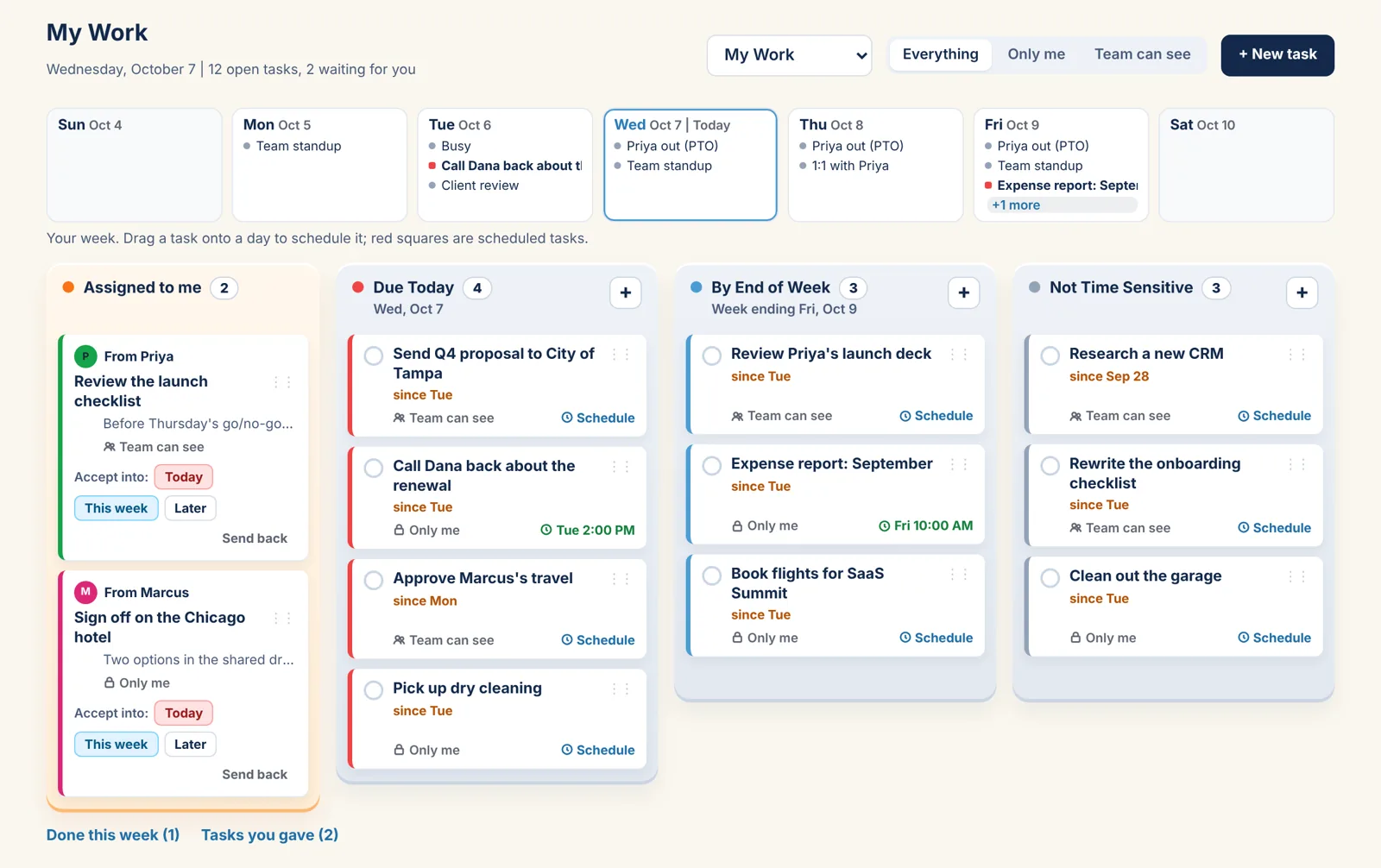
Some tasks need a time, not just a tray. Drag one onto a day in the week strip above the trays, pick a start time and a length, and it is an event on your own calendar. The card shows the time; the calendar block shows the checkbox. Tick either and both are done.
Sunday to Saturday, above the trays.
Each day shows its events as grey dots and its scheduled tasks as red squares, so you see how the week is filling before you add to it. Drop a task on a day and the scheduler opens with that day picked and your open times listed.
- Scheduling does not move a task between trays
- Move or delete the block on the calendar and the card follows
- A scheduled task is private on your calendar if the task is Only me
Due Today, beside your schedule.
Day view's right column has a red-edged Due Today card listing today's tasks with checkboxes. Drag one onto a time slot and a blue box shows where it will land and for how long. On the planner it looks like an event with a MY WORK tag and its checkbox.
The Individual plan.
Free for one person, with every view and My Work. Every plan has the Year, Month, Week and Day views, Outlook and Google sync, reminders, My Work and Daily To Do's.
Individual
Forever
- Just you
- Every view, Year to Day
- Outlook and Google sync
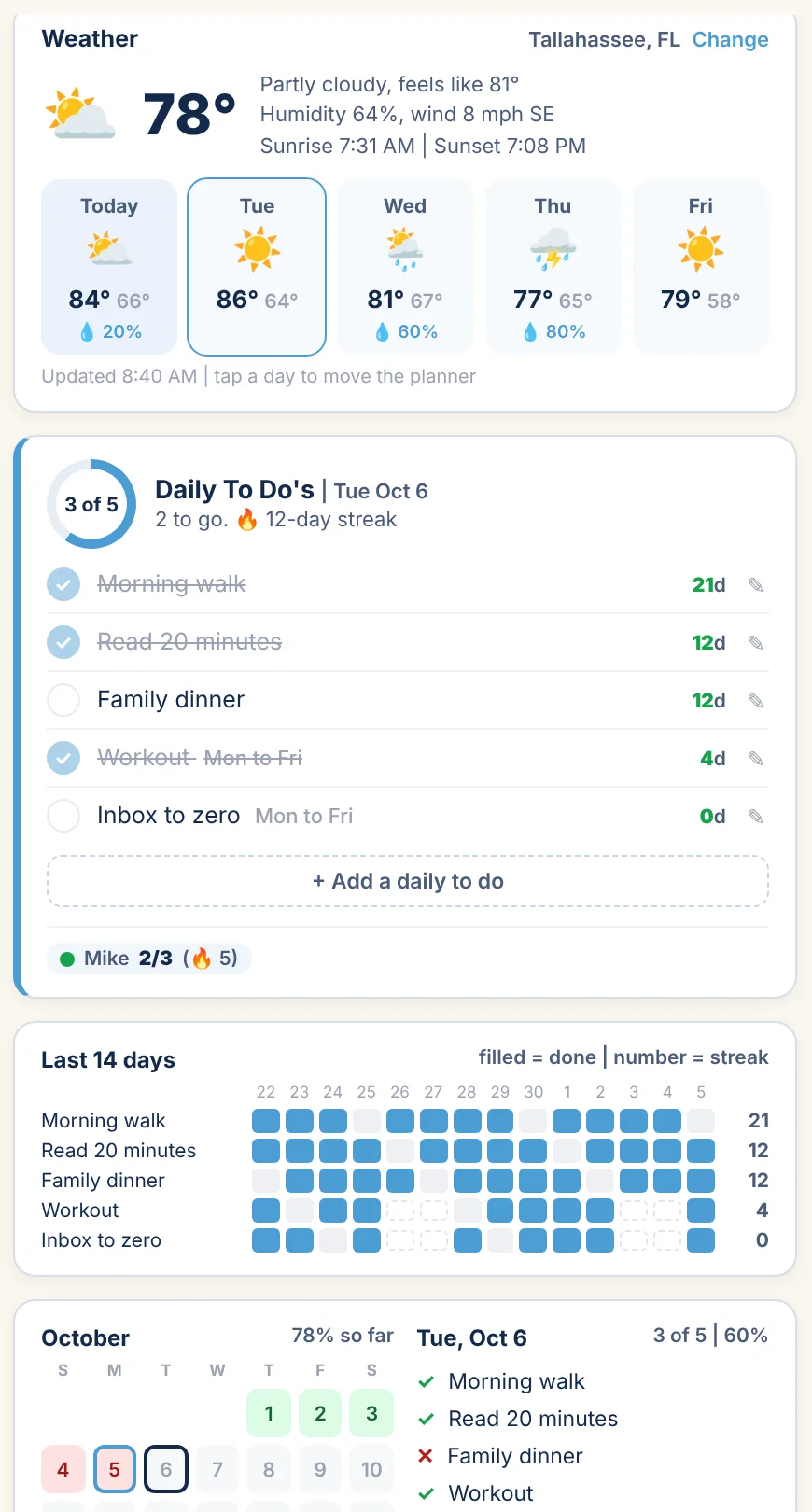
- My Work, Daily To Do's and weather
More under My Work: The four trays Giving and receiving Done and the Dashboard | All plans
Put a task on the clock.
Coming soon. My Work is on every plan, the free one included.