Everything MyAnnualCalendar does, at a glance.
One calendar for your whole year, with the tasks, reminders and people that go with it. Here is each part of the app, and what it does for you.
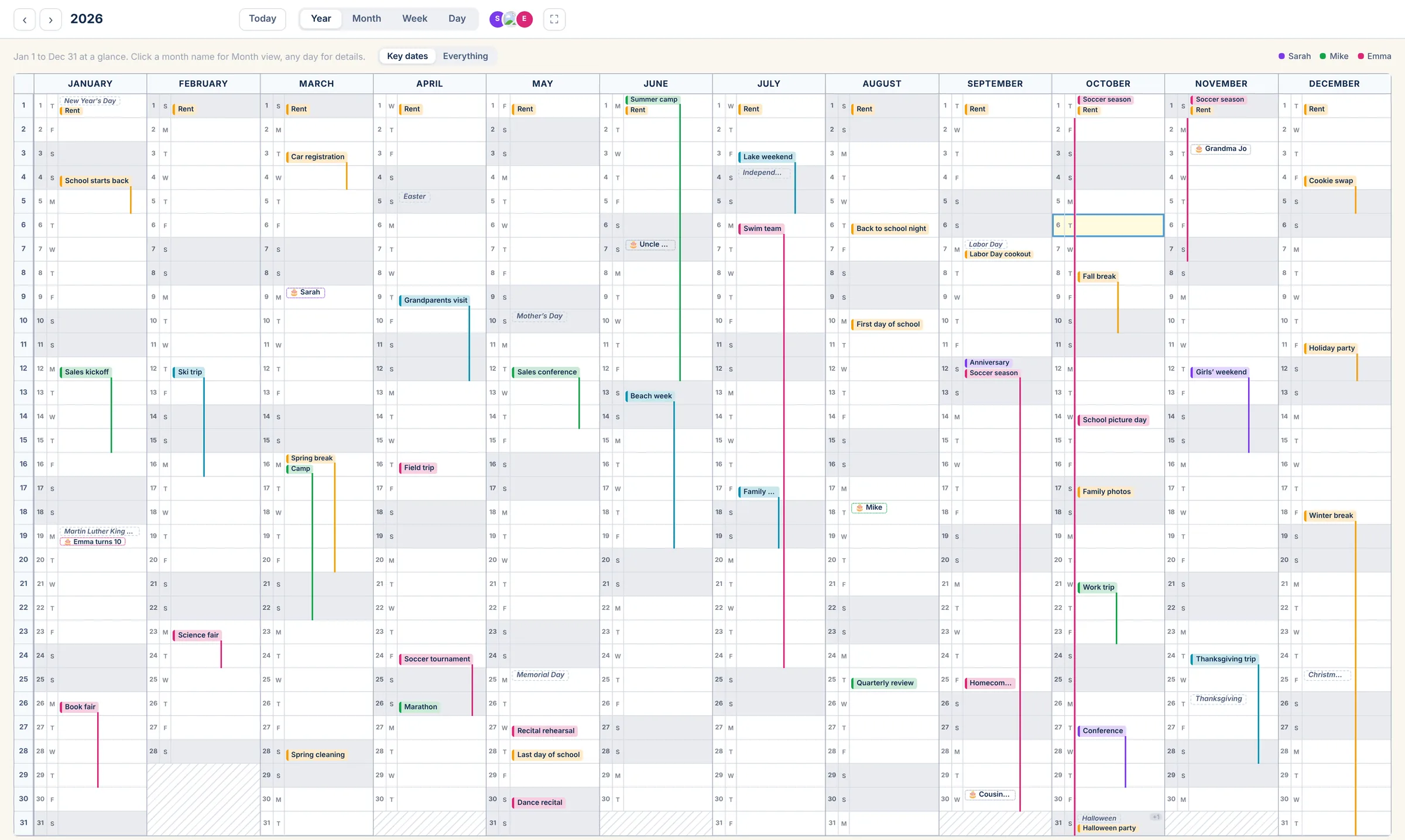
Your whole year on one screen.
All twelve months side by side, January to December. Trips and breaks run down the month as a line, so busy stretches and open weeks jump out. Show just the key dates, or everything.
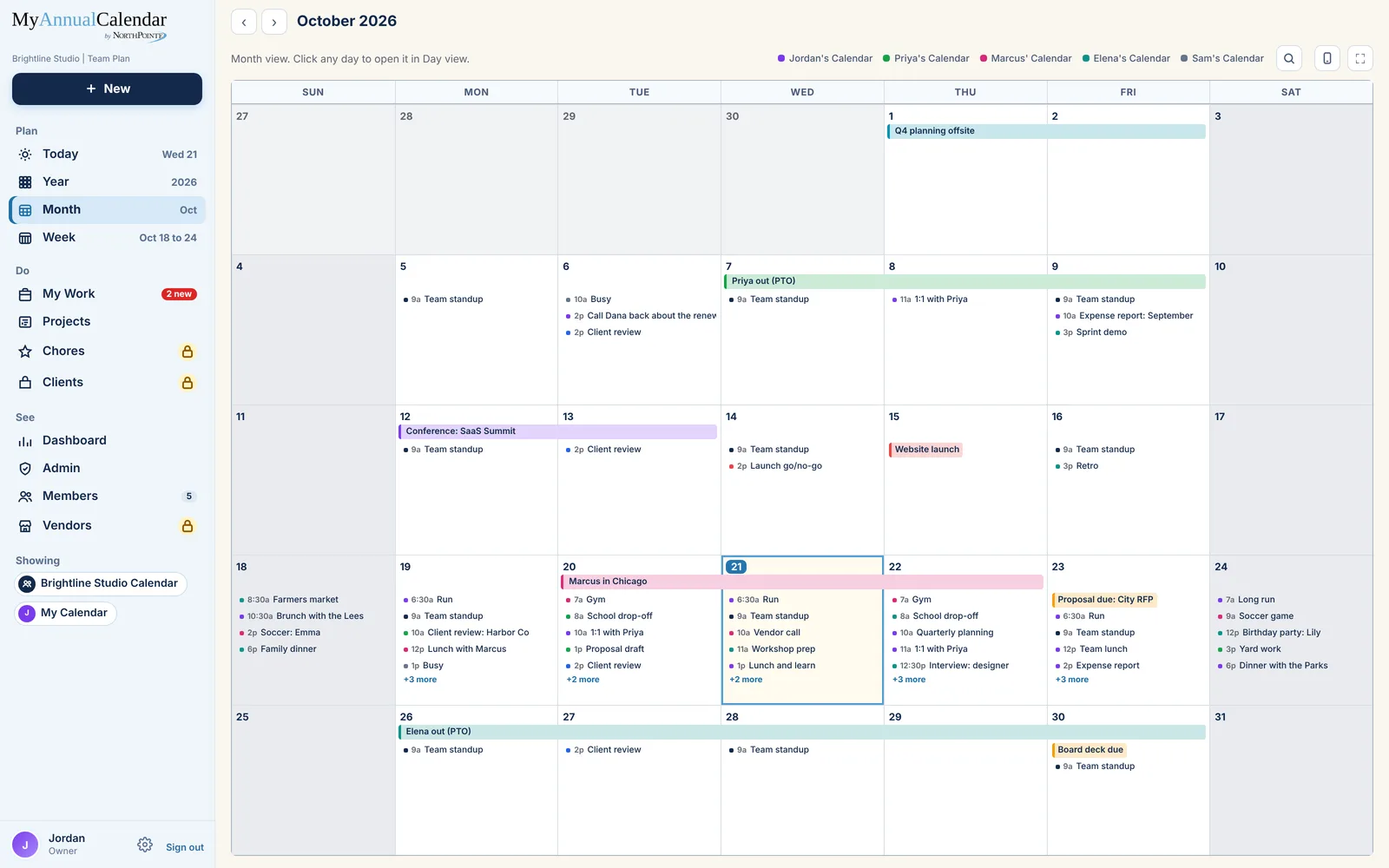
Everyone in their own color.
A month at a time, with each person's events in their color so you can tell whose day it is at a glance. Click any day to open it.
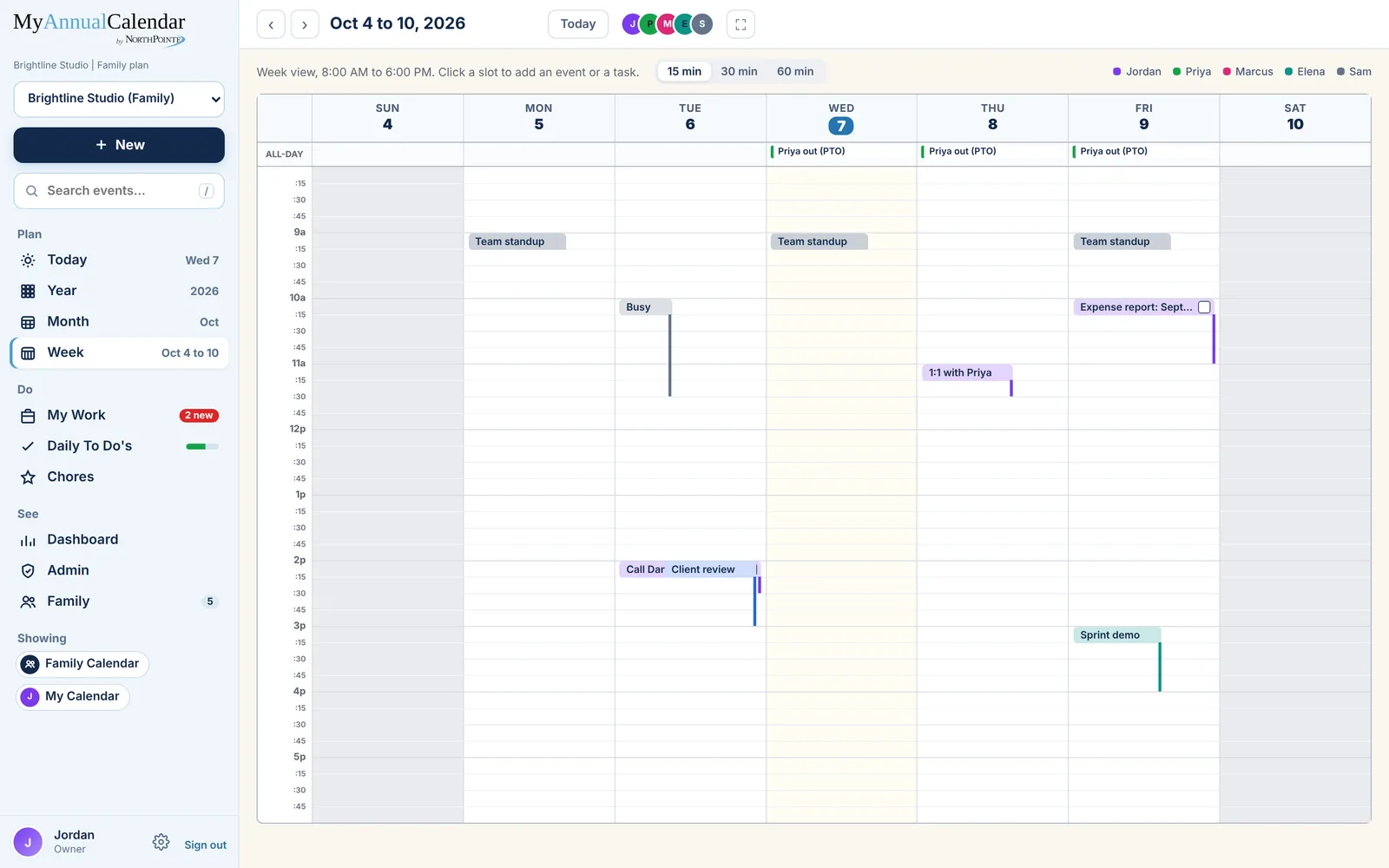
See who has to be where.
Every day of the week, hour by hour. Private events show as Busy, and tasks you schedule become blocks of time. Families and teams see the whole week together.
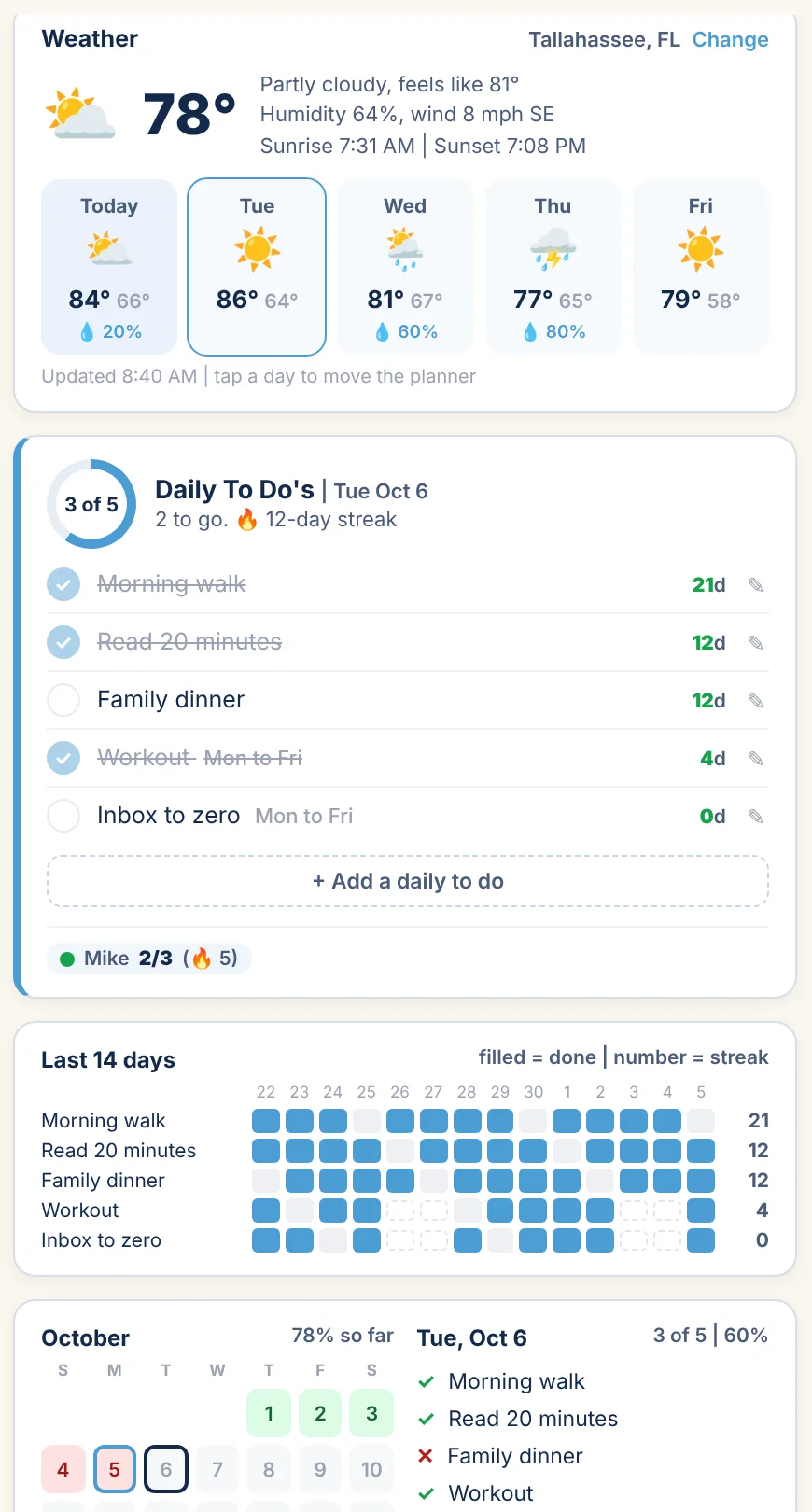
Plan the year. Win the day.
Your schedule beside today's weather, your Daily To Do's and what's due from My Work, with the last two weeks of check-offs underneath.
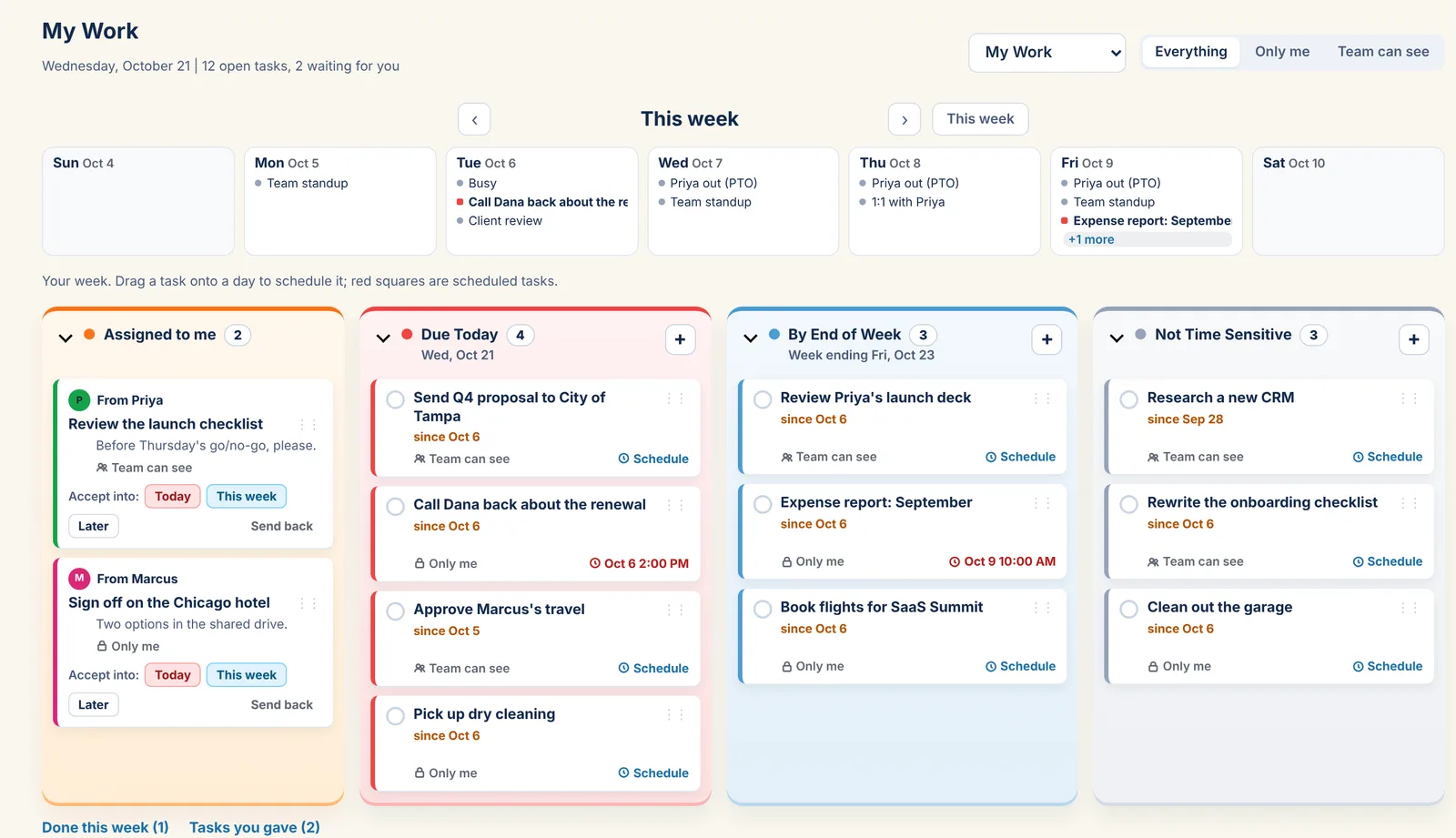
Every task, in the right tray.
Today, This Week, Later and Assigned to me. Give a task to someone on your account, drag one onto the calendar to schedule it, and see what you finished this week.
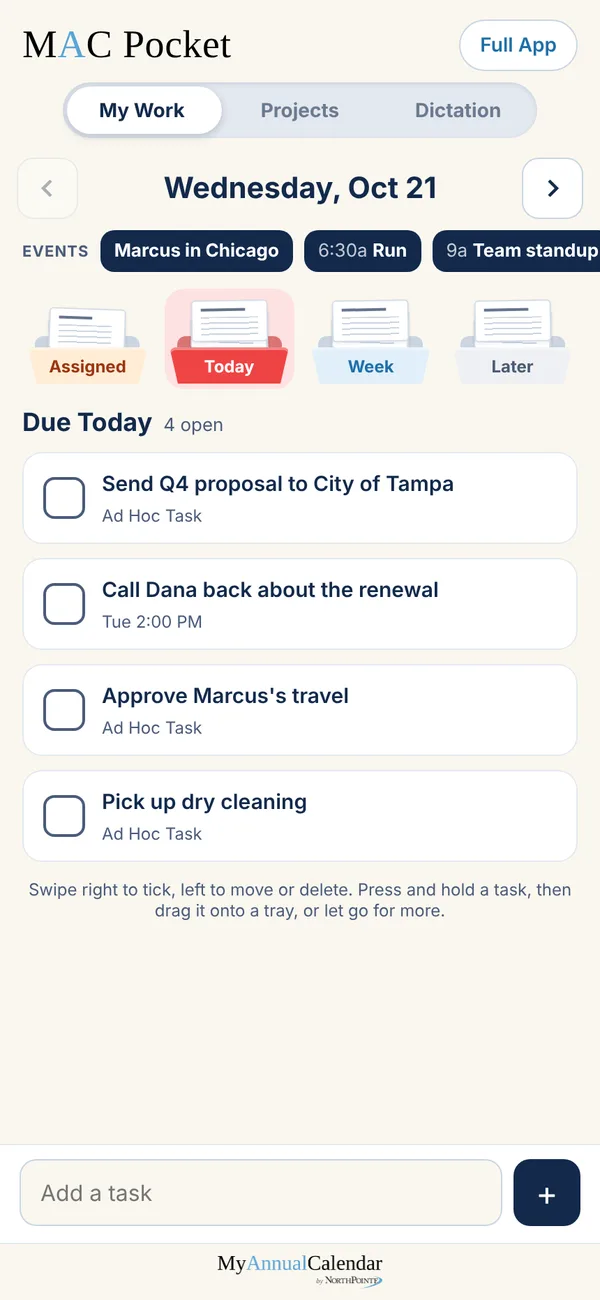
My Work, phone sized.
Add MyAnnualCalendar to your phone's home screen and MAC Pocket opens: today's events across the top, your trays below. Swipe to tick off a task, and get reminders right on your lock screen.
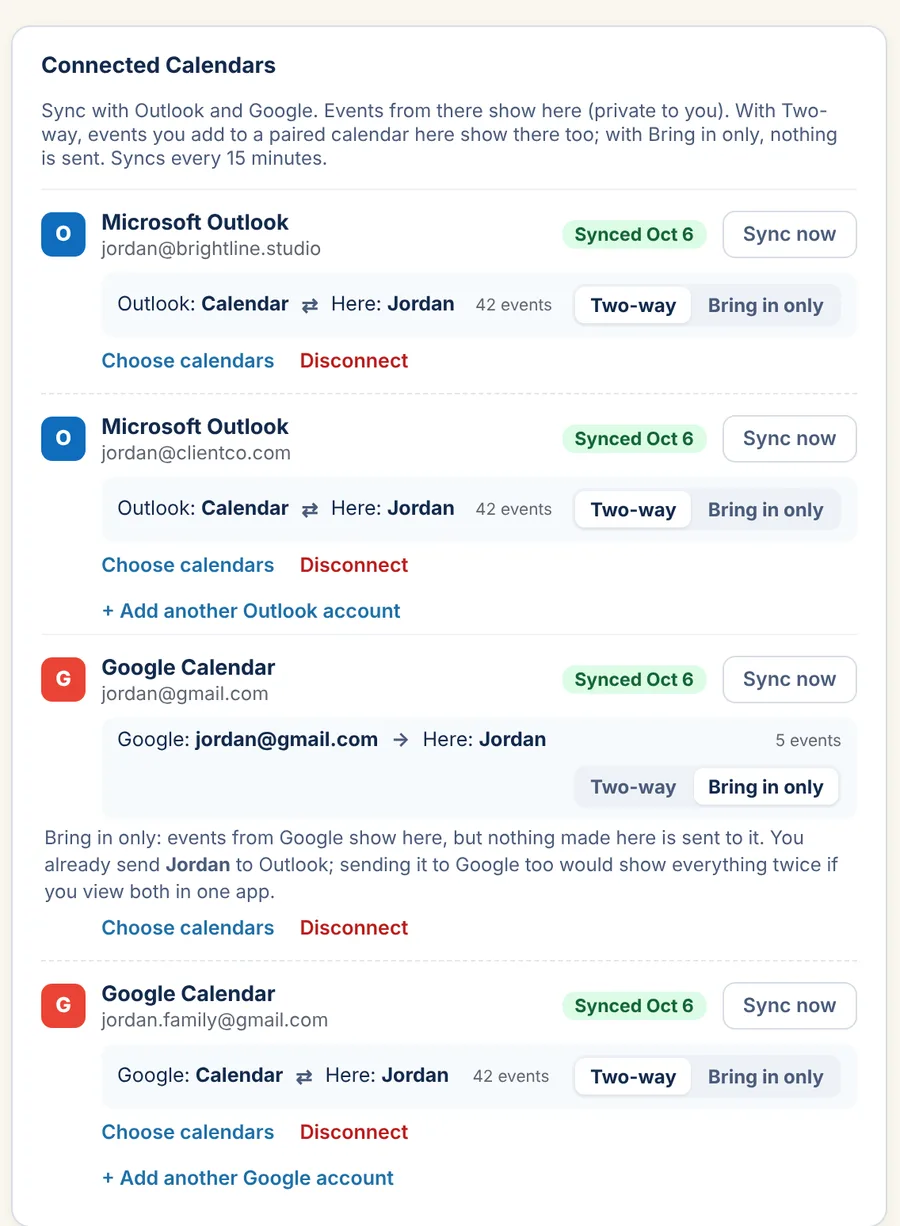
Keep the calendars you already use.
Connect Outlook, Google or both. Events sync both ways about every 15 minutes, or choose Bring in only. You pick which calendars come in and where each one lands.
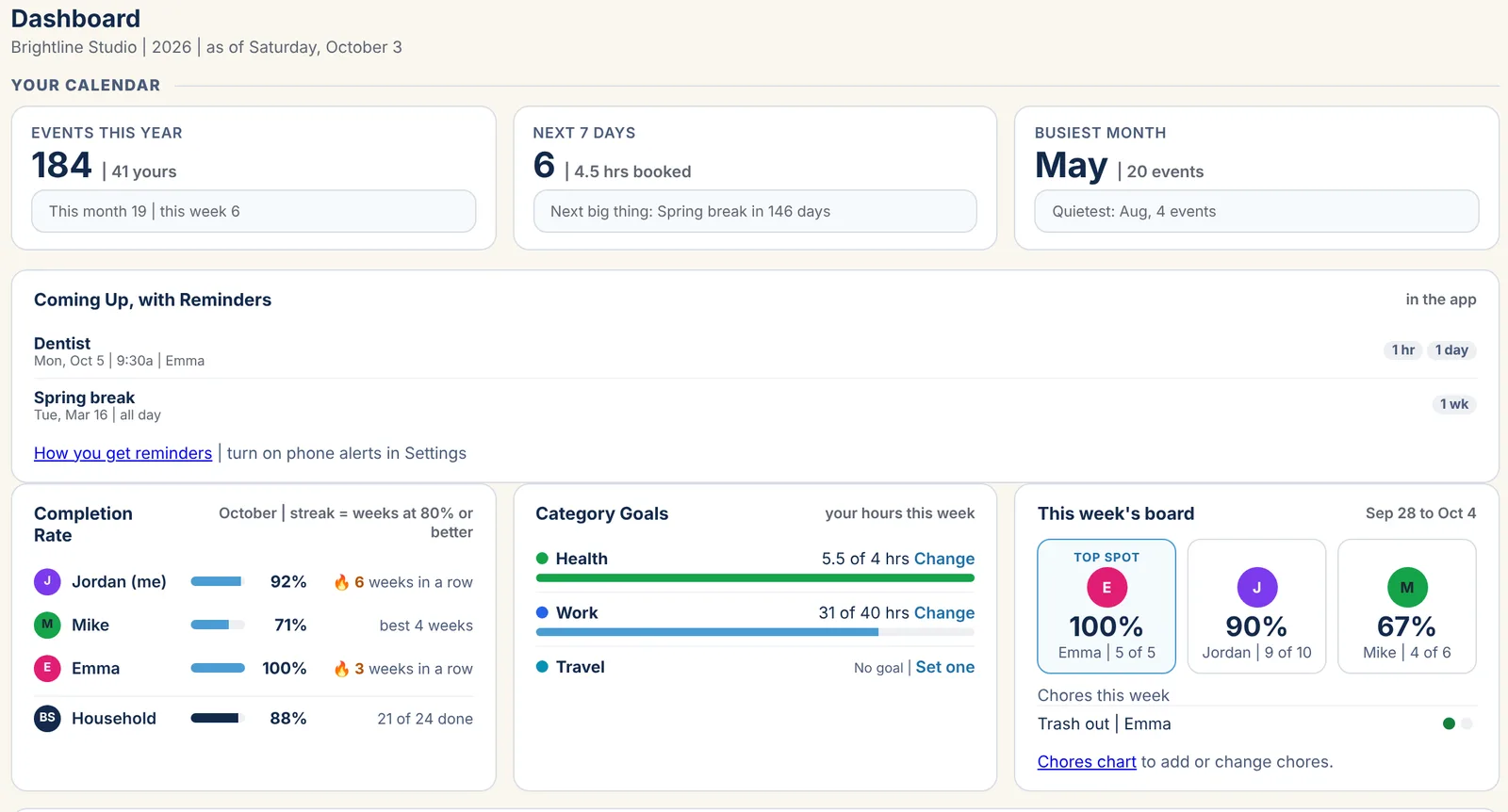
See how the year is going.
Events this year and this week, what's coming up with its reminders, how often things get done, goals by category and milestones, all on one page.
One calendar for the whole household.
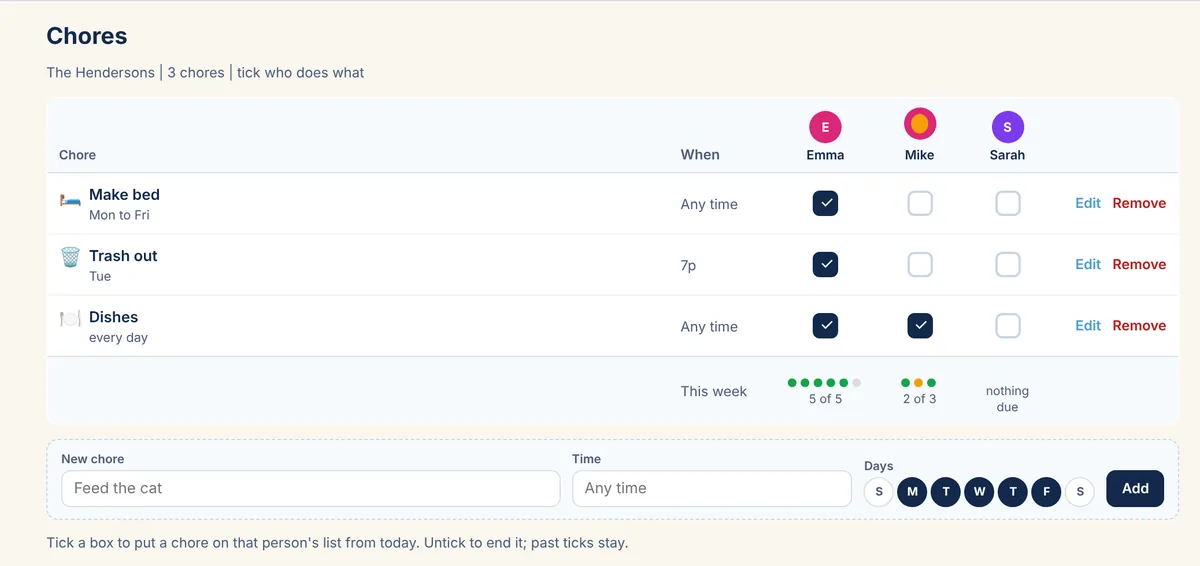
Up to 10 family members share one calendar, each in their own color, with a chores chart that shows the week at a glance. Kids' own sign-in is coming soon.
A calendar for every client.
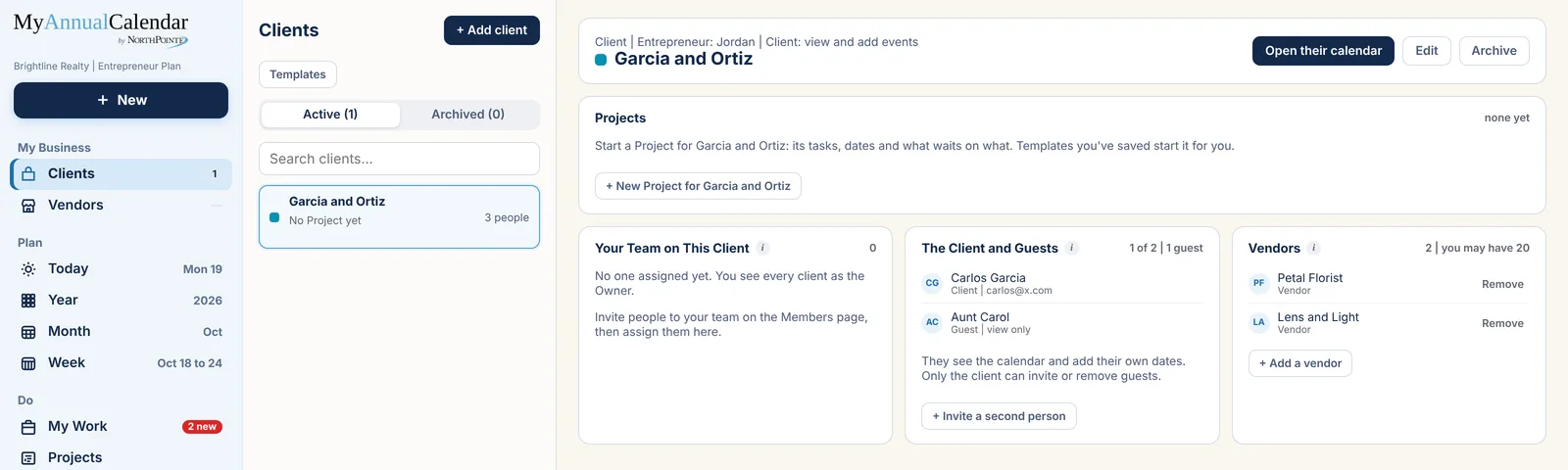
Each client gets their own calendar in their own color. Bring in one or two of the client's people, and book vendors who see only the dates they're on.
Every client, every step.
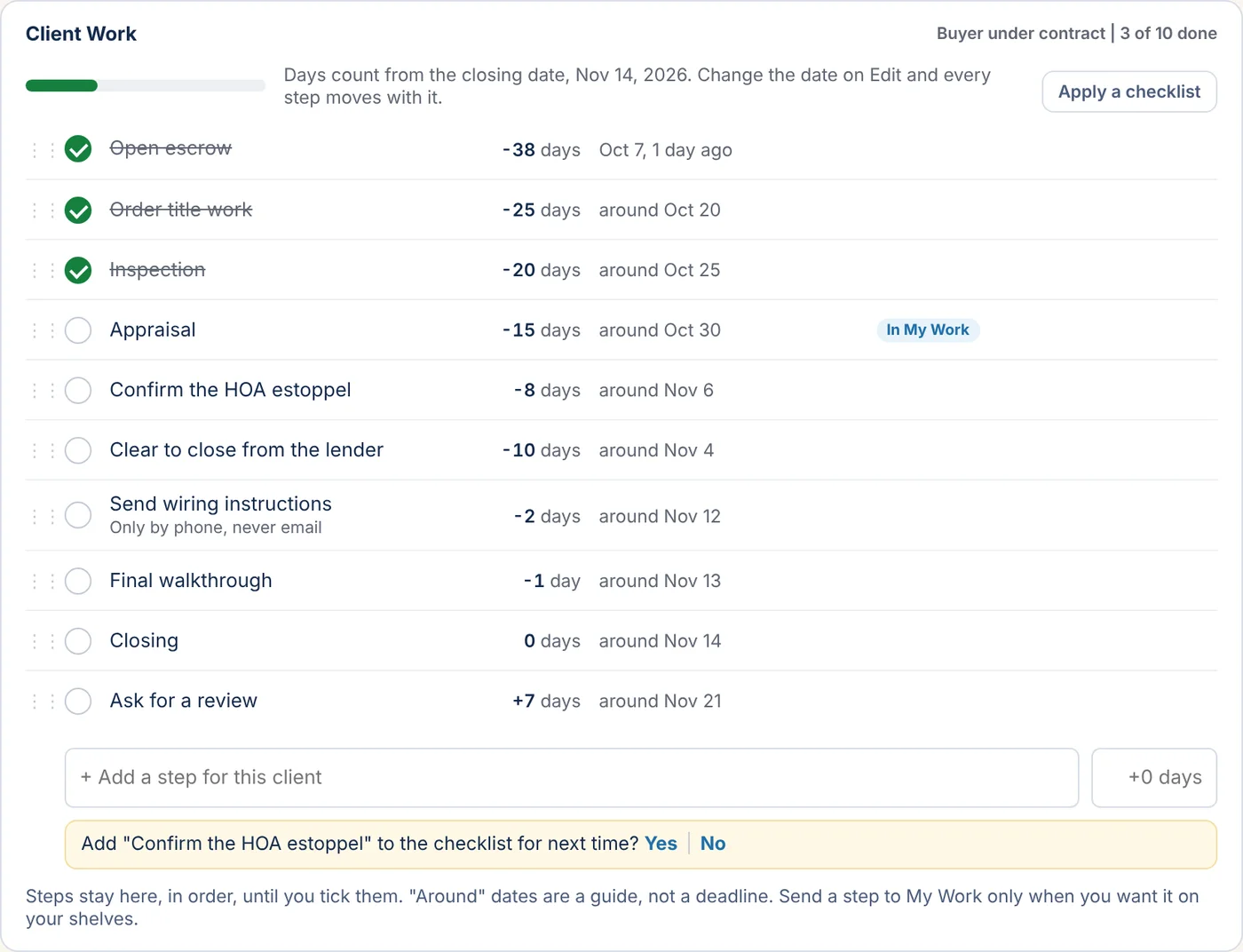
Start each client from a checklist for your line of work, tick steps off as you go, and send any step to My Work.
Free for one person, no card. Family, Team and Entrepreneur plans open soon.